The best AI tools for productivity in 2026 are not all the same — some need an account, some have daily limits, and some cost money after a trial. This guide covers the most useful ones honestly: what each tool does, who it is for, and where the free limits are. Whether you are a student trying to get through assignments faster, a professional managing a heavy workload, or someone who just wants to stop spending hours on tasks that should take minutes — there is a tool here that fits.
Best AI Tools for Productivity — Quick Comparison
| Tool | Signup | Best For | Free Tier | No Signup |
| ChatGPT | Required | Writing, research | Limited/day | ❌ No |
| Grammarly | Required | Writing quality | Basic only | ❌ No |
| Canva AI | Required | Design, visuals | Partial | ❌ No |
| NotebookLM | Required | Research, studying | Free (generous) | ❌ No |
| Perplexity | Optional | Research, search | Limited | Partial |
| EzyToolz Tools | None | Text, PDF, Image | Full — free | ✅ Yes |
The 5 Best AI Tools for Productivity — Honest Overview
1. ChatGPT Writing & Research AI
Signup: Required | Free: Limited messages per day on free plan
ChatGPT is the most widely used AI productivity tool available. It handles writing, research, summarising, translation, coding, and Q&A in a conversational format. The free tier (GPT-4o mini) covers most everyday tasks. The paid plan (ChatGPT Plus) gives access to more powerful models and higher usage limits.
Best for: Drafting emails and reports, brainstorming, summarising long documents, coding help, research starting points 🔗 chatgpt.com
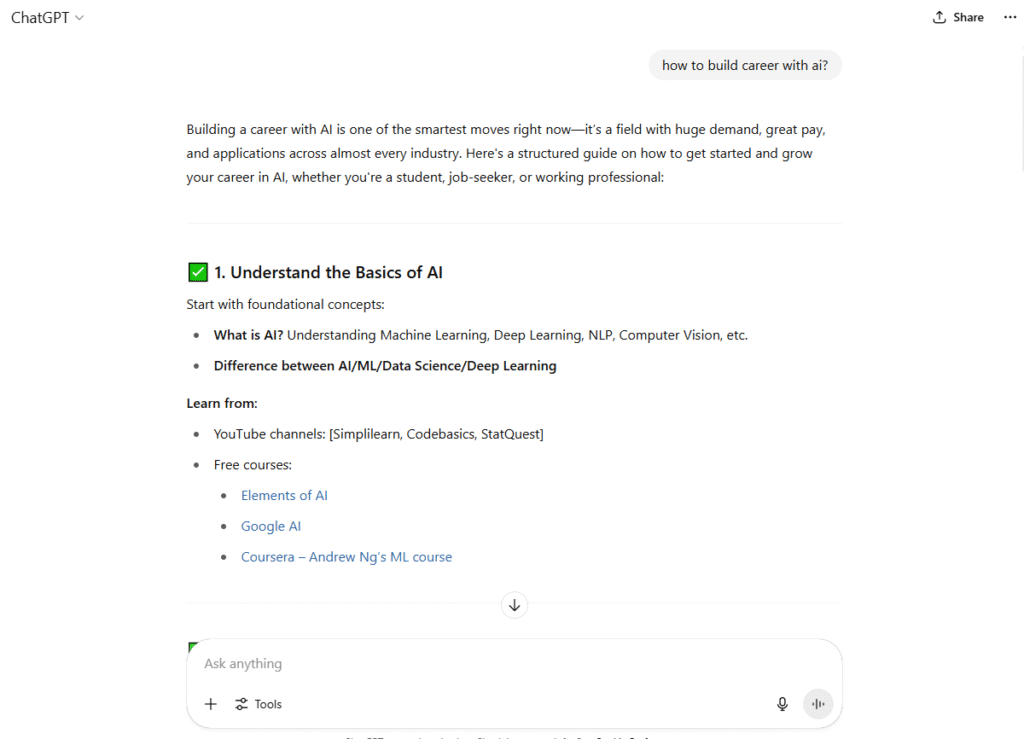
How to get the most out of ChatGPT free tier – Be specific in your prompts. Instead of ‘write me an email’, say ‘write a professional follow-up email to a client who has not responded in two weeks — polite but direct, under 100 words’. Specific prompts get better results and reduce back-and-forth, which helps when you have daily message limits.
2. Grammarly AI Writing Assistant
Signup: Required | Free: Basic grammar checks only — advanced features are paid
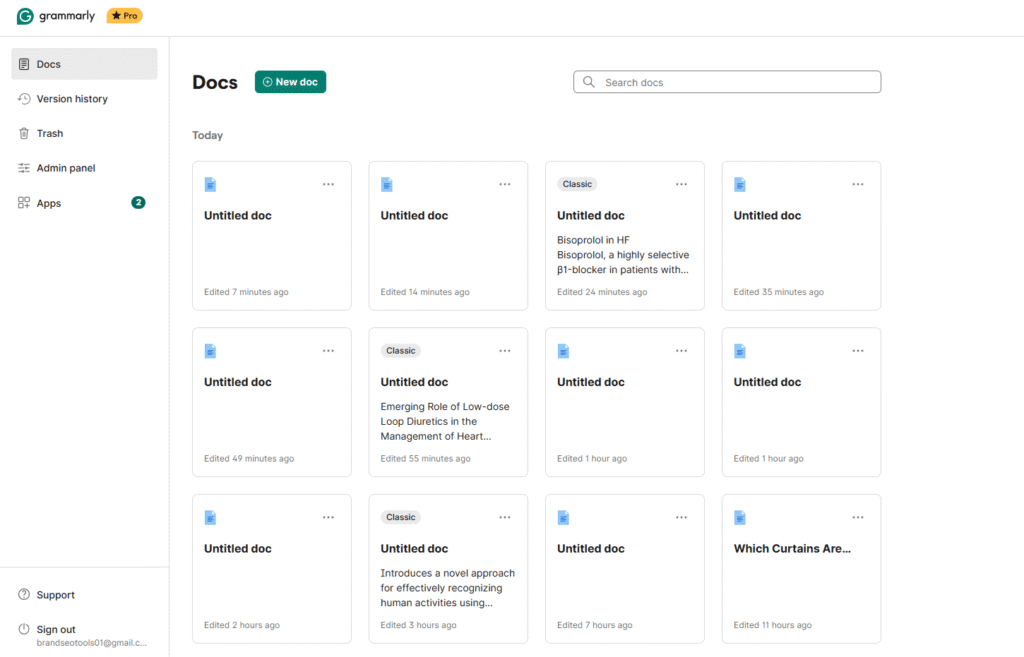
Grammarly checks your writing for grammar, spelling, clarity, tone, and conciseness in real time. It works as a browser extension, desktop app, and in Google Docs and Word. The free plan catches basic errors. The premium plan adds tone detection, full sentence rewrites, and plagiarism checking.
Best for: Proofreading emails and reports, fixing grammar in essays, improving sentence clarity, professional writing 🔗 grammarly.com
3. Canva AI: Design & Visual AI
Signup: Required | Free: Free plan available — many AI features require Canva Pro
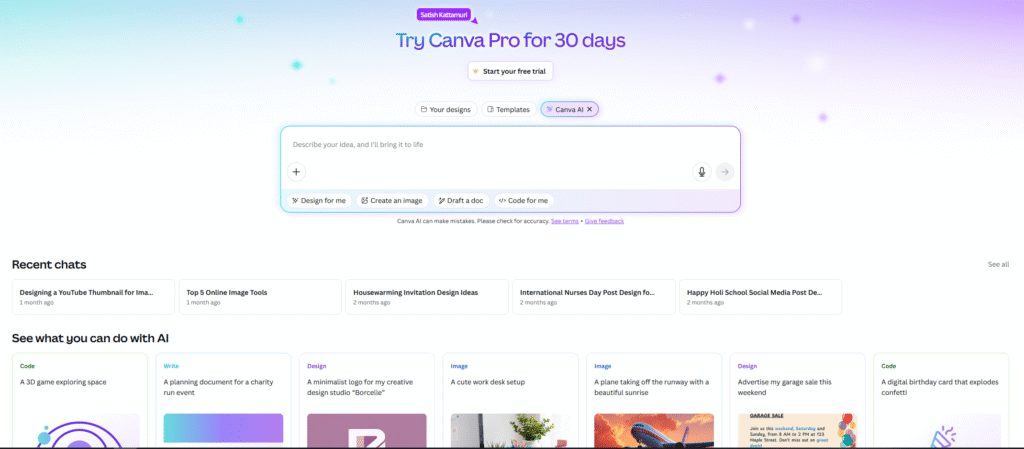
Canva combines graphic design with AI features — Magic Design generates layouts from a text prompt, Magic Write helps draft copy, and the background remover handles image editing. The free plan covers basic design. AI-powered features like Magic Resize, Brand Kit, and bulk creation are behind the Pro paywall.
Best for: Presentations, social media graphics, posters, resumes, marketing materials, quick logo design 🔗 canva.com
4. Google NotebookLM AI Research Assistant
Signup: Required (free Google account) | Free: 100 notebooks, 50 sources each — free tier is generous
NotebookLM is Google’s AI research tool that works only on the documents you upload — not the entire internet. Upload PDFs, Google Docs, YouTube videos, or websites, then ask questions and get answers with inline citations. The Audio Overview feature converts your documents into a podcast-style discussion between two AI hosts. In 2026, it added flashcards, quizzes, study guides, video overviews, and slide deck generation — all from your own files.
Best for: Studying from uploaded notes and textbooks, summarising research papers, creating flashcards and quizzes, preparing for exams, organising research with citations 🔗 notebooklm.google.com
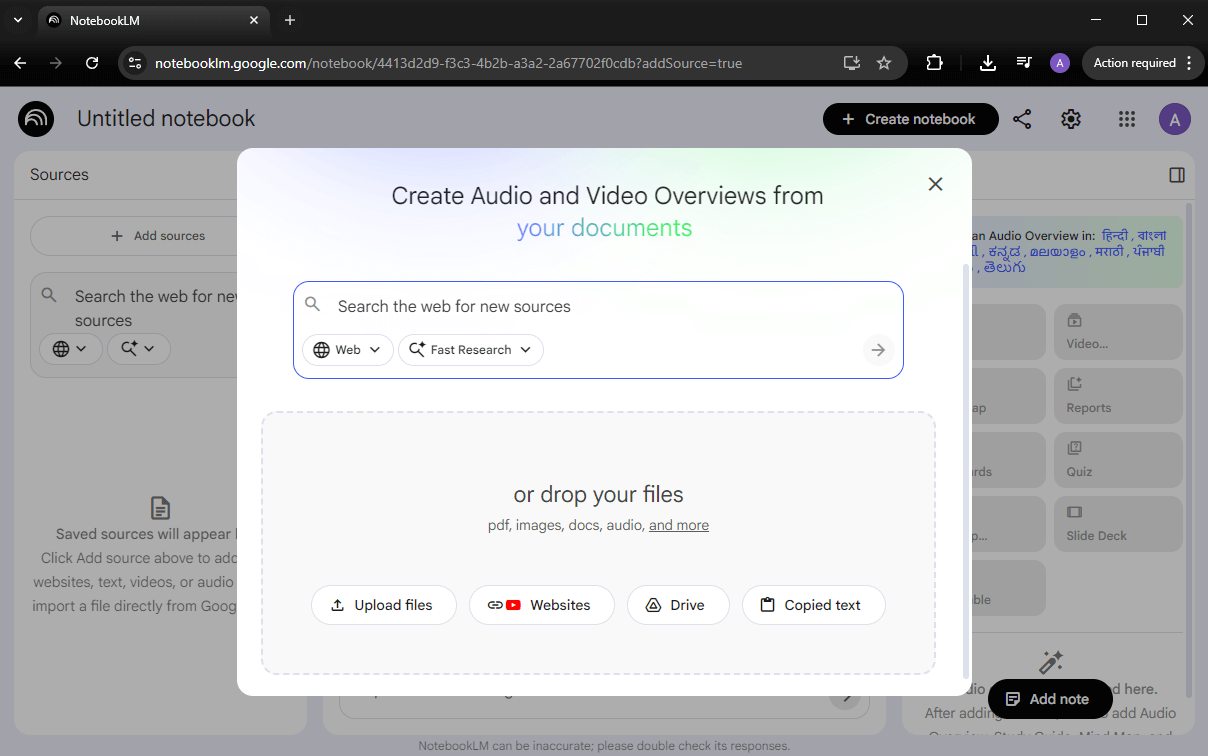
NotebookLM vs ChatGPT — key difference ChatGPT answers from its general training data — it can hallucinate. NotebookLM only answers from the documents you upload and shows you the exact citation. For research and studying, this makes NotebookLM far more reliable. The Audio Overview feature is unique — it turns your uploaded material into a realistic podcast discussion, useful for revision while commuting.
5. Perplexity AI Search & Research
Signup: Optional (needed for Pro features) | Free: Limited daily searches on free plan
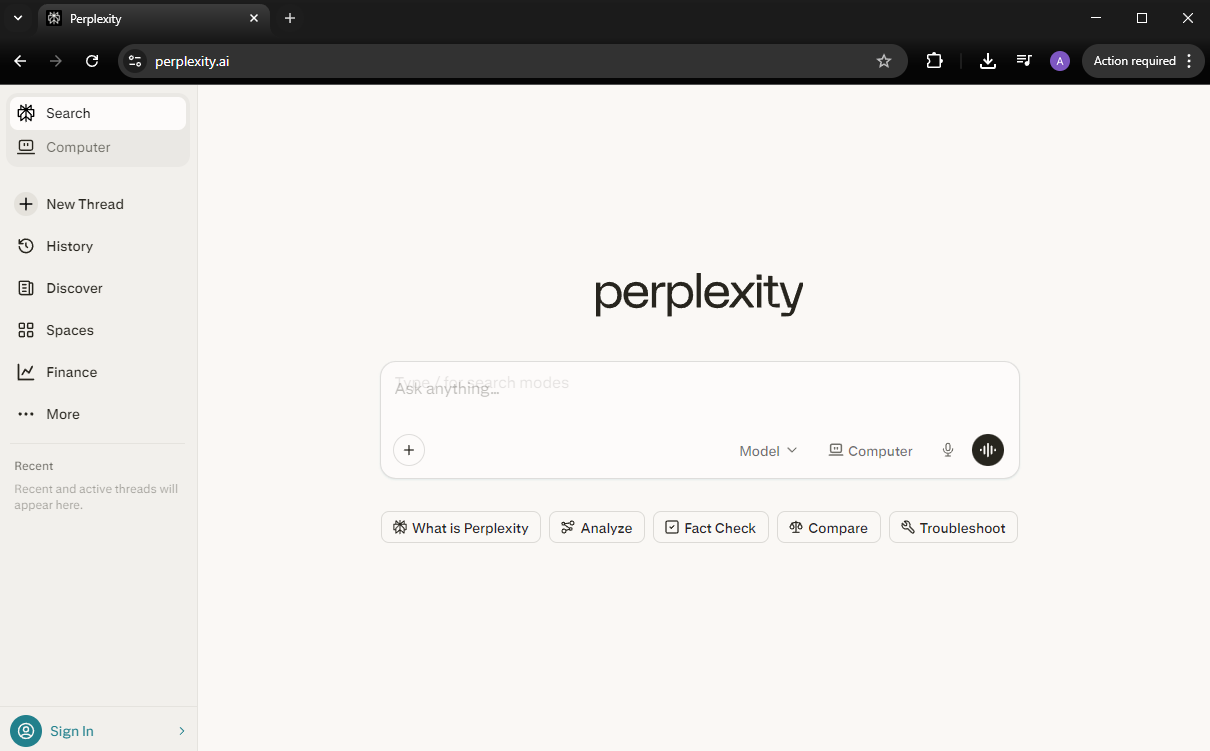
Perplexity works like a search engine that gives direct answers with cited sources instead of a list of links. Better than a standard Google search when you need a summary with references. The free plan has daily search limits. Pro unlocks faster models and more queries.
Best for: Research with sources, fact-checking, comparing options, summarising current events 🔗 perplexity.ai
Free Productivity Tools That Need No Signup — EzyToolz
The five tools above all require accounts and have free tier limits. For specific productivity tasks — text processing, file management, image editing — EzyToolz has browser-based tools that open instantly, process your files locally, and need no account at all.
| Tool | What it does for productivity | URL |
| Text Summarizer | Paste a long article or document — get a concise summary in seconds. No word limit. | ezytoolz.com/text/text-summarizer/ |
| Word Counter | Count words, characters, sentences for essays and reports. Updates in real time. | ezytoolz.com/text/word-counter/ |
| Plagiarism Checker | Check your writing for duplicate content before submitting assignments or publishing. | ezytoolz.com/text/plagiarism-checker/ |
| Image to Text OCR | Extract text from photos or scanned documents — editable instantly. | ezytoolz.com/text/image-to-text/ |
| Merge PDF | Combine multiple PDF files into one — for job applications, reports, and submissions. | ezytoolz.com/pdf/merge-pdf-files/ |
| Compress PDF | Reduce PDF file size before emailing or uploading to portals. | ezytoolz.com/pdf/compress-pdf/ |
| Typing Speed Test | Measure and improve your typing WPM — useful for data entry and office job prep. | ezytoolz.com/text/typing-speed-test/ |
| QR Code Generator | Create QR codes for links, contacts, and UPI IDs — for events, business cards, and sharing. | ezytoolz.com/business/free-qr-code-generator/ |
Frequently Asked Questions
Which is the best free AI tool for productivity?
For writing and research, ChatGPT’s free tier covers most needs. For grammar and clarity, Grammarly’s free plan handles basic checks. For design, Canva’s free plan is solid. For file-based tasks — summarising, converting, compressing — EzyToolz tools are completely free with no daily limits and no account.
Is Google NotebookLM free?
Yes — the free tier is genuinely useful. You get 100 notebooks with up to 50 sources each, daily chat queries, Audio Overviews, flashcards, quizzes, and study guide generation. All you need is a free Google account. A paid Pro plan ($19.99/month via Google AI Pro) exists for higher limits, but the free tier covers most student and professional needs.
Which AI tool is best for students in India?
ChatGPT for writing and research, Grammarly for proofreading essays, Canva for project presentations, and NotebookLM for studying from your own notes and textbooks. For practical tasks like compressing exam form photos, merging PDFs for submissions, or checking word counts for assignments — EzyToolz tools are the most practical because they need no account and have no limits.
Can I use these AI tools on my phone?
ChatGPT, Grammarly, Canva, and Notion all have mobile apps. EzyToolz tools work in any mobile browser — no app download needed.
What AI tools help with writing productivity specifically?
ChatGPT for drafting and brainstorming. Grammarly for editing and proofreading. EzyToolz Text Summarizer for condensing long content quickly. EzyToolz Word Counter for tracking essay length in real time. All available for free at their basic level.
The Right Tool Depends on the Task
The best AI tools for productivity are not the same for everyone. ChatGPT and Grammarly are strong for writing-heavy work. Canva handles design quickly. Notion AI suits people who already live in Notion. Perplexity works well for research that needs sources.
For everyday tasks that do not need an account — compressing a file, summarising a document, checking word count, converting an image to text — EzyToolz gets it done instantly with no friction.