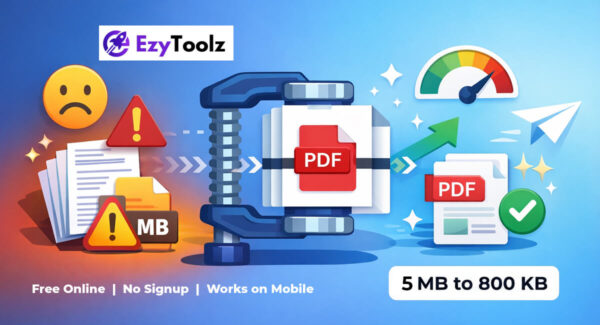

You finished your document, saved it as a PDF, and went to upload it – only to see the error message saying the file is too large. Sound familiar?
Whether it is a government portal asking for files under 1MB, a college application form with a 500KB limit, or a job portal that rejects anything above 2MB – large PDF files are a daily frustration for millions of people in India and across the world.
In this guide, I will show you exactly how to reduce PDF file size for free, without installing any software, and without making your document look bad. The whole thing takes under a minute.
Why Is Your PDF File So Large?
Before jumping into the fix, it helps to understand the cause. Most oversized PDFs are large because of one of these reasons:
- High-resolution images embedded inside the file — a single photo can add 2 to 5MB
- Scanned pages — each page is saved as a full image instead of text
- Embedded fonts — design tools sometimes pack entire font families into the file
- Metadata and hidden layers — added silently by tools like Adobe Acrobat or Canva
The good news is that most of this can be safely reduced. Text inside a PDF is never degraded during compression — it stays perfectly sharp. Only embedded image quality is slightly adjusted, and in most documents you will not notice the difference.
How to Reduce PDF File Size — Step by Step
Step 1 — Go to the EzyToolz Compress PDF Tool
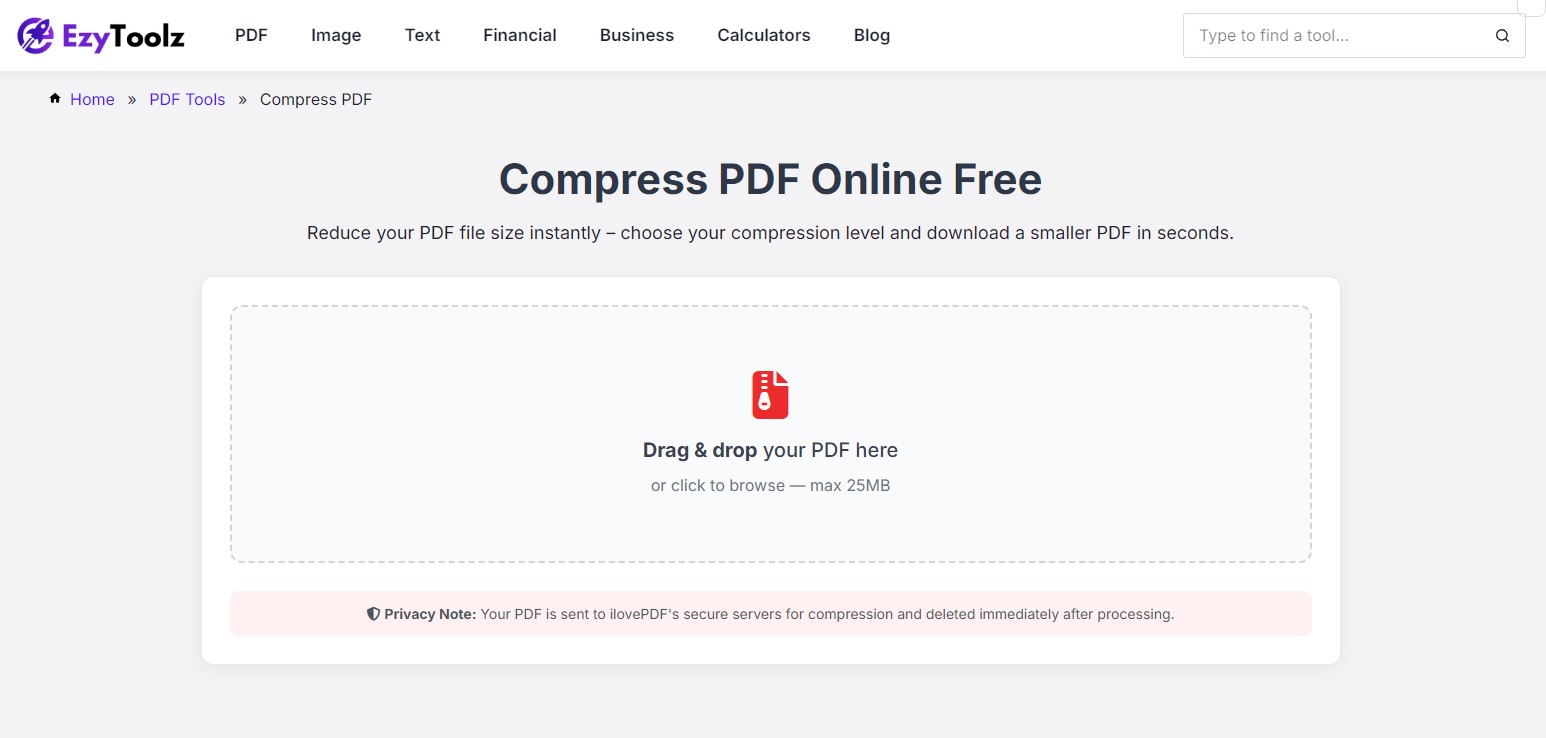
Open ezytoolz.com/pdf/compress-pdf in your browser. No account needed. No watermarks. No time limits.
Step 2 — Upload Your PDF
Click Select PDF File or drag and drop your file directly onto the upload area. The tool supports files up to 50MB.
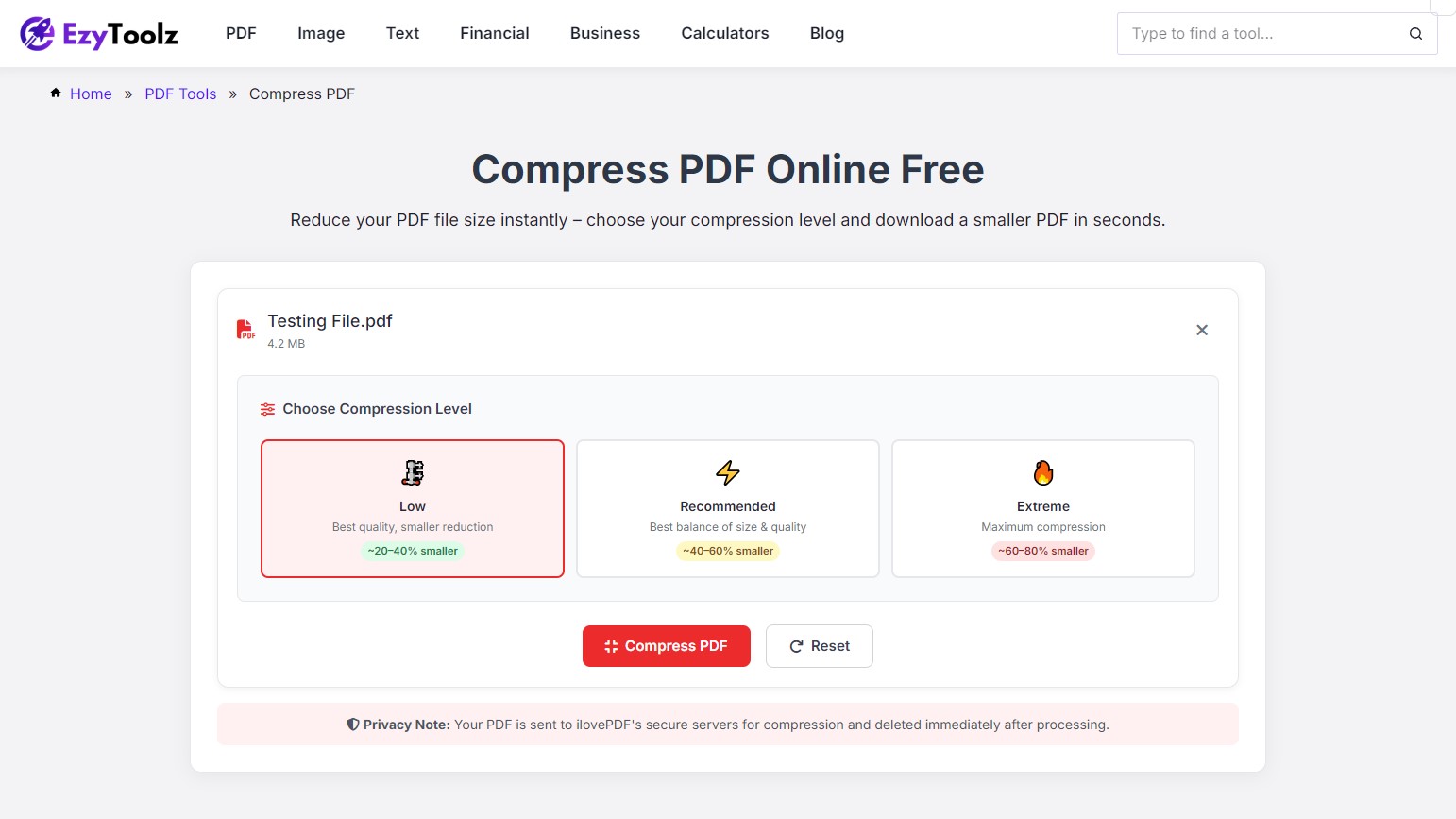
Step 3 — Choose a Compression Level
Once uploaded, you will see three options:
- Low — Minimal compression. Best for documents where image sharpness matters, like design portfolios or product brochures.
- Recommended — The best balance of size and quality. Works well for resumes, certificates, reports, and most everyday documents.
- Extreme — Maximum compression. Use this when you need to hit a strict size limit, like reducing a PDF below 1MB for a government portal or job application.
| Pro Tip: Not sure which level to pick? Start with Recommended. If the output is still too large, run it again on Extreme. Two passes usually get you under even the tightest size limits. |
Step 4 — Download the Compressed File
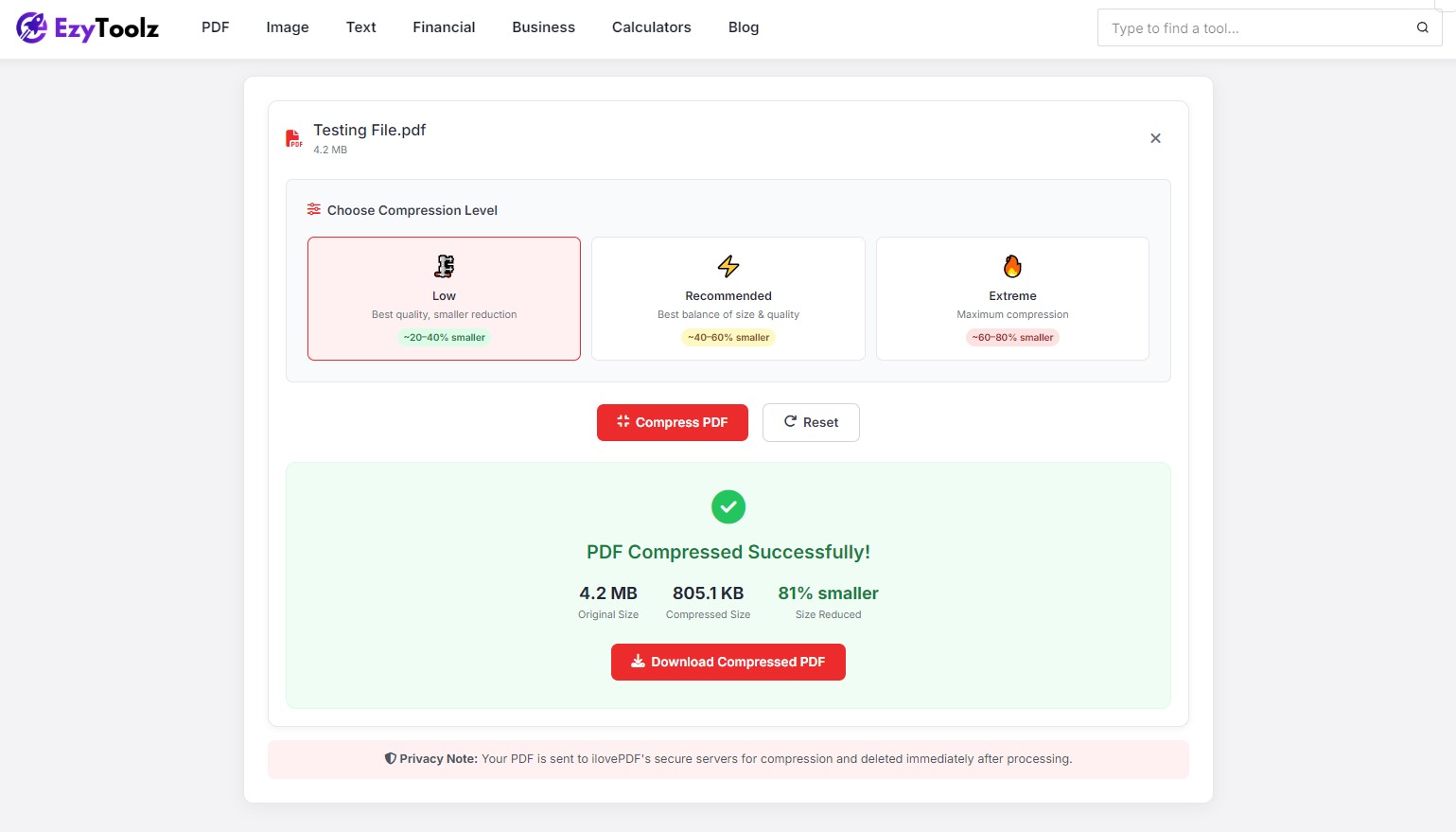
Click Compress PDF. Your file is processed instantly. Once done, click Download to save the smaller version.
How Much Will My PDF Shrink?
It depends on what is inside the file. Here is what you can typically expect:
| PDF Type | Expected Reduction | Best Level |
| Text-only document | 20% to 40% | Low |
| Mix of text and images | 40% to 70% | Recommended |
| Scanned document | 70% to 90%+ | Extreme |
| Image-heavy PDF | 60% to 85% | Recommended or Extreme |
Is It Safe to Use?
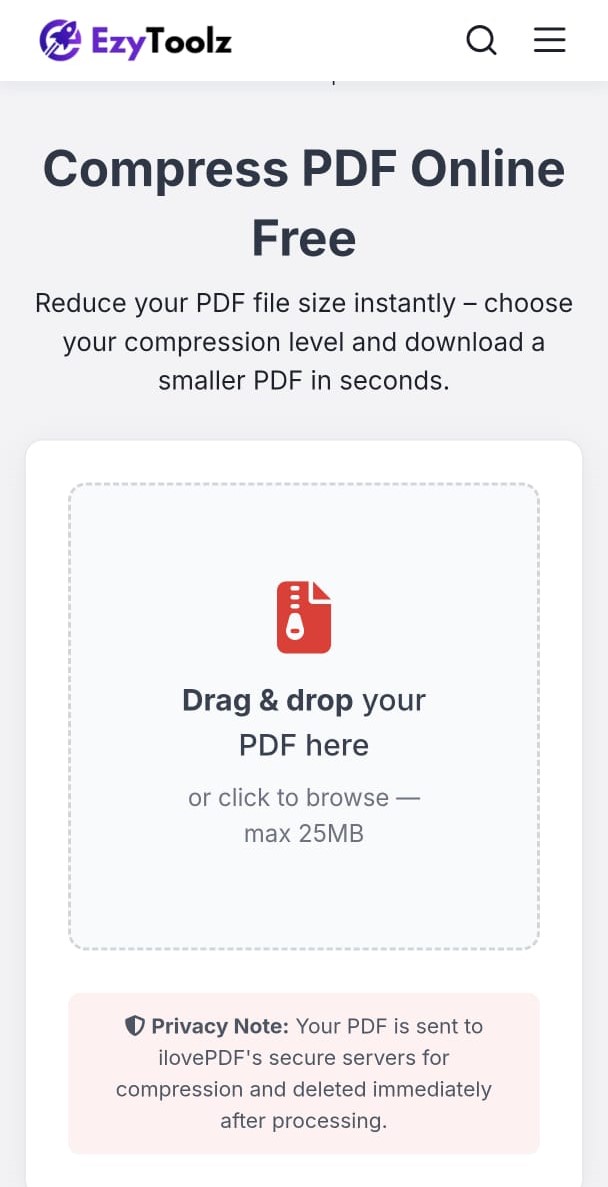
Yes. EzyToolz uses ilovePDF’s secure API to handle compression. Your PDF is encrypted during the upload, processed, and deleted from the server automatically. No one can access your file and nothing is stored.
You can safely reduce bank statements, salary slips, medical reports, or any sensitive document – they remain completely private.
How to Reduce PDF Size on Mobile
EzyToolz works on any device with a browser — iPhone, Android, tablet, or laptop. No app download required. Just open the link, upload your PDF, and download the compressed file. It works smoothly even on a mobile data connection.
Frequently Asked Questions
How do I reduce PDF file size below 1MB?
Use the Extreme compression level. For most scanned documents, this brings the file well under 1MB. If it is still large, try the EzyToolz Split PDF tool to break it into parts and compress each one.
Will my text become blurry after compression?
No. Text in a PDF is stored as vector data — it is never affected by compression at all. Only embedded images are reduced slightly in resolution.
How do I reduce PDF size for a government portal in India?
Portals like UIDAI Aadhaar update, income tax returns, bank KYC, and college admissions typically accept files between 100KB and 1MB. Use Extreme compression. For files that need to be under 100KB, try compressing twice or use the Split PDF tool to reduce the number of pages first.
Can I reduce PDF size without any quality loss?
For text-only documents, yes — Low compression reduces file size with no visible change. For PDFs with images, there is a very slight reduction in image quality, but Recommended keeps everything clean and professional.
Is there a limit on how many files I can compress?
EzyToolz Compress PDF is completely free with no daily limits. Compress as many files as you need.
Wrapping Up
A large PDF file does not have to be a roadblock. Whether you are uploading to a government portal, sending a resume, sharing documents on WhatsApp, or attaching files to an email – reducing the PDF file size takes less than a minute.
EzyToolz Compress PDF is free, private, and works on any device. The next time you see a file too large error, you know exactly what to do.
Also useful: Merge PDF | Split PDF | Protect PDF | PDF to JPG – all free at EzyToolz