We spend hours on social media, endlessly scrolling through feeds that we will forget the next day, let’s face it. What if you could replace that pointless scrolling with a talent that genuinely improves your life and career? To use the power of artificial intelligence (AI), you don’t have to be a tech expert. That skill is mastering AI. The best AI tools are easy-to-use personal assistants that can improve your writing, research speed, and organization.
Let’s come to an agreement. I’ll walk you through five of the best AI tools for productivity 2026 in this guide. We’ll go over their functions, the reasons they’re revolutionary, and how you can use them right now. It’s time to quit consuming and begin building a more intelligent future for yourself.
1. ChatGPT: Your Personal Brainstorming Partner
ChatGPT is a conversational AI made by OpenAI. It’s like having a very smart friend you can talk to about nearly anything. You may ask it questions, have it write things for you, explain hard things, summarize text, translate languages, and even help you develop code. It knows what is going on around it and can talk like a real person.
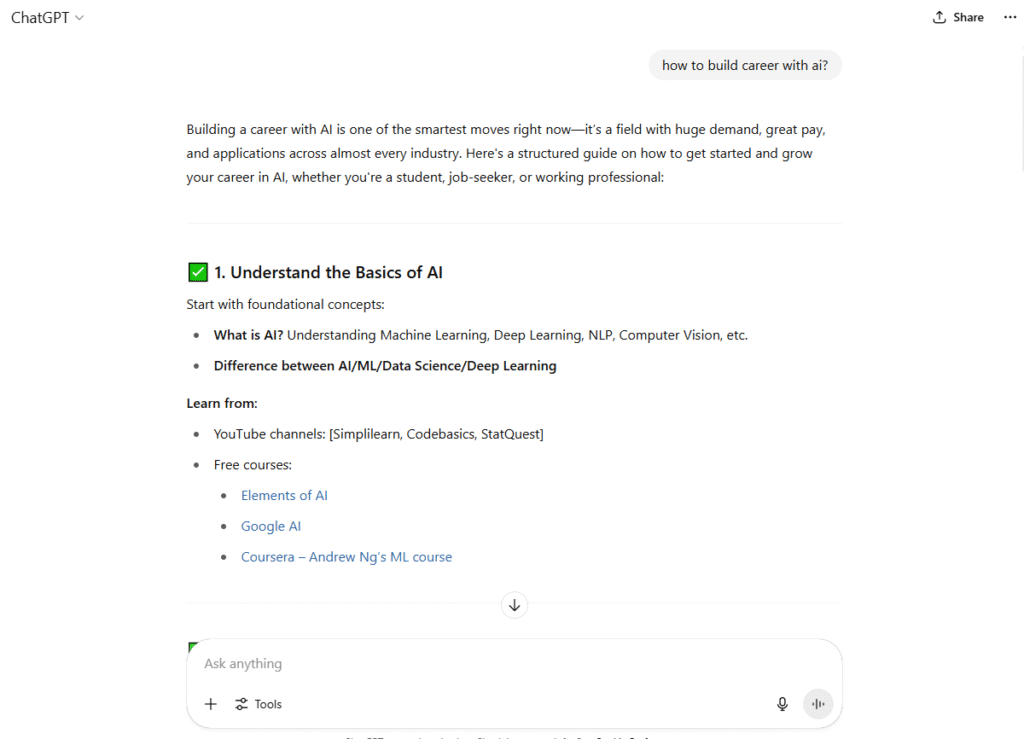
Why it helps: This is one of the best AI tools for saving time. You have to compose an essay, but you’re looking at a blank page. Instead of spending an hour, you can offer ChatGPT your major ideas as bullet points. It will then quickly generate a structured first paragraph that will help you get past your writer’s block.
If a professional is having trouble with a marketing email, they may ask it to come up with five distinct subject lines right away, giving them creative choices. It makes hard stuff easier to understand. For example, you can copy and paste a long scientific text and ask, “Explain this to me like I’m 15.” Using ChatGPT for everyday chores is like getting a superpower.
Who should utilize it? To be honest, everyone. There are a lot of ways that students can use ChatGPT, like writing essays, making study aids, and getting ready for an interview. For pros, it’s a great tool for creating reports, coming up with new ideas, and automating writing activities that need to be done over and over again. You can get one of the top AI tools for working from home.
2. Grammarly: Your AI-Powered Writing Coach
Grammarly is more than just a spell checker. It’s one of the best AI programs for checking grammar that you can find. It looks at your work for more than just grammar and spelling faults; it also looks at how clear, engaging, and succinct it is. It gives you ideas in real time to help you choose the right words and organize your sentences so that your message is clear, confident, and professional.
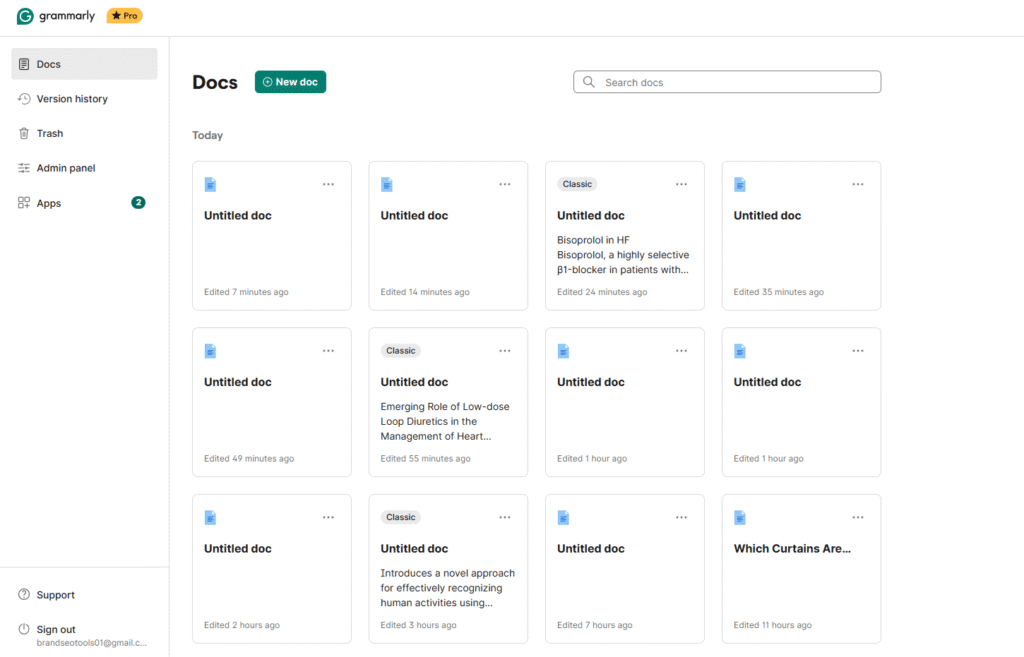
Why it helps: Being able to communicate clearly is really important. Grammarly is like a safety net. For example, it not only fixes a typo in an essential job application email, but it also proposes changing the wording of a statement to make it sound more confident. It may take a long, confusing sentence and turn it into a shorter, more powerful one that makes things clearer right away.
What makes it powerful is that it can teach. It helps you become a better writer over time if you explain why you are making a proposal. Because it focuses on quality and speed, it’s one of the best AI tools for getting things done.
Who should utilize it: All students who turn in written work. Any professional who writes reports, sends emails, or makes content. People who don’t speak English as their first language will find it very helpful for gaining confidence in their writing. This is an essential AI tool for writing.
3. Canva AI: Your Personal Graphic Designer
Canva has always been a great tool for simple graphic creation, but its latest set of AI features has made it even better. With “Magic Design,” you can tell Canva’s AI what kind of presentation, poster, or social media post you want, and it will make a set of professional, completely customizable templates for you. Other functions, like “Magic Write,” assist you write words, and its AI picture tools can change photos or make new ones from scratch.
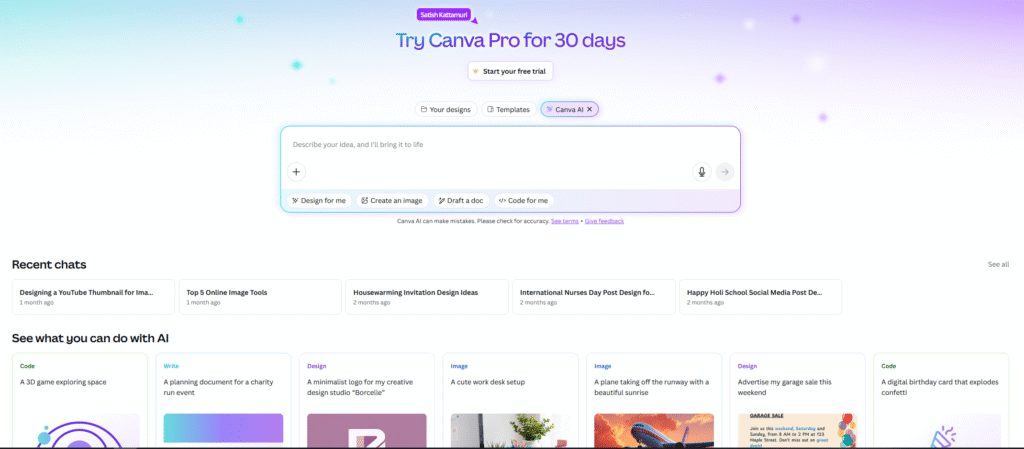
Why it helps: Let’s be honest, not everyone is a designer. A student has to give a presentation tomorrow. users don’t have to spend three hours trying to figure out how to arrange their presentations and choose colors. Instead, users simply enter “Presentation about renewable energy sources,” and Canva AI will make ten professional-looking slides that all look the same in 30 seconds. After that, they may work on making the actual material better. This is what AI tools are for: working smart, not hard. It makes design more accessible by letting anyone make beautiful images quickly.
that should use it: Students that have to make presentations for class. People who need to make reports, visuals for social media, or marketing materials for work. It’s also a great AI tool for producing resumes that look great and stand out.
4. Notion AI: Your Smart Digital Workspace
What it does: Notion is a productivity software that lets you take notes, keep track of projects, make to-do lists, and organize your whole life. This workplace has Notion AI built right in. It can summarize your meeting notes, pick action items from a big document, come up with ideas for a project, or even write a whole blog post based on your preliminary notes, all without leaving the app.
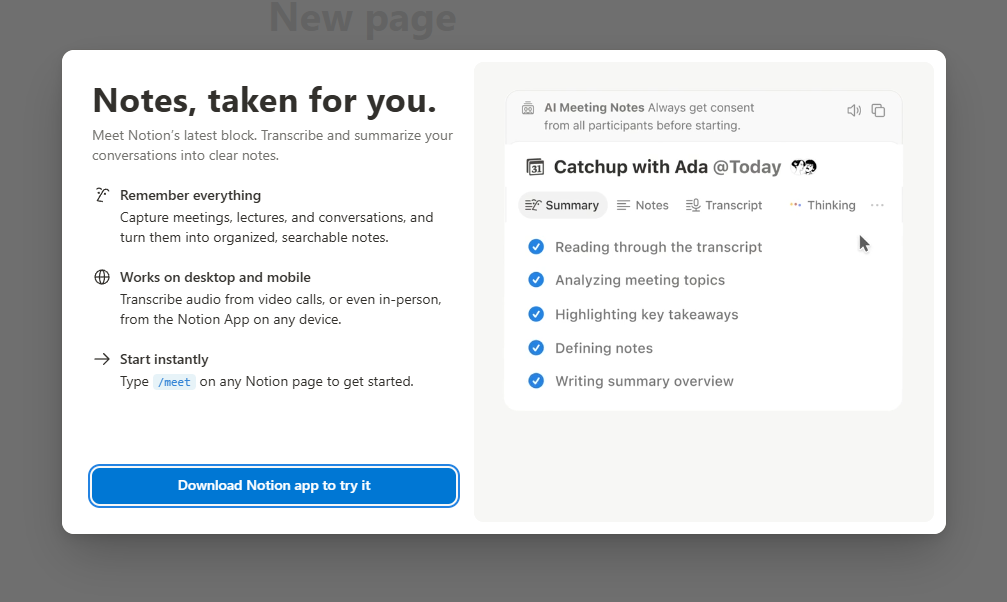
Why it helps: Staying organized is the hardest part for a lot of people. Imagine that you have 20 pages of notes that are all over the place for an exam coming up. You don’t have to go back and read everything again. Just mark it all and tell Notion AI to “Create a study guide with key themes and possible questions.” It will quickly turn your messy notes into a neat, ordered summary. For professionals, it might take a long email thread and make a list of things to do, making sure that nothing is forgotten. It takes knowledge and converts it into action, making it one of the top AI tools for getting things done.
Who should use it: Anyone who has too much information to handle. Students can use it to arrange their studies and keep track of their research. Professionals can use it to keep track of projects, take notes during meetings, and work together with their teams. Anyone who wants to develop a “second brain” needs this tool.
5. Google Gemini: Your Creative and Research Assistant
What it does: Gemini, which used to be called Bard, is Google’s sophisticated AI for talking to people. It is different because it works so well with other Google products. It can get information from the internet in real time, which makes it great for researching current events. It can also understand and process more than just text; it can also understand and process images and other types of information.
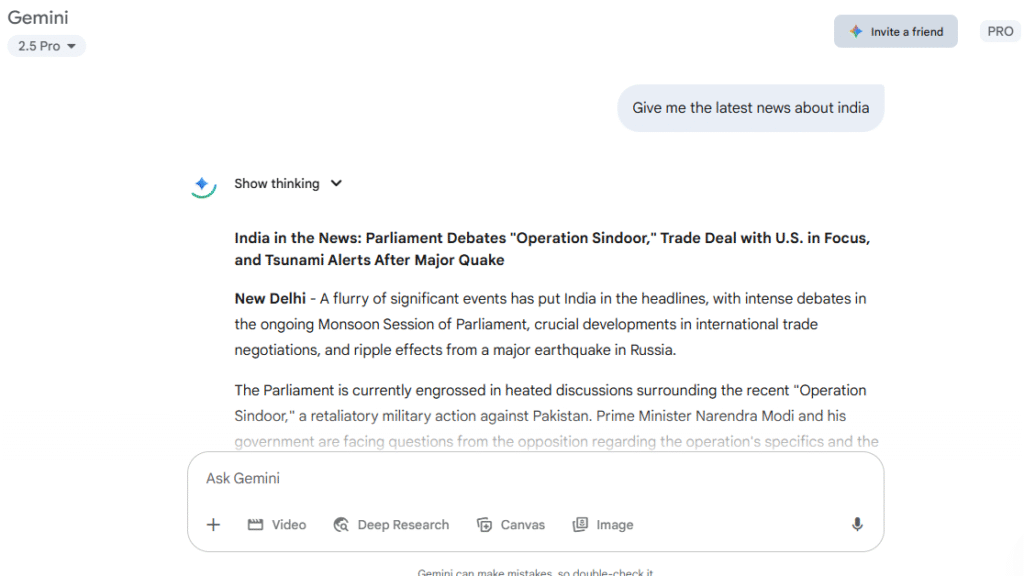
Why it helps: ChatGPT is great, but Gemini’s ability to connect directly to the live internet changes the game for research. A expert who needs to write a report on the latest market trends could say, “Give me a summary of the most important changes in the electric vehicle market over the past month, with sources.”
Gemini does the hard work in minutes instead of opening 20 browser tabs. A student can send an image of a complicated diagram from their textbook and ask for a full explanation. This makes it a really strong tool for learning and keeping up with things.
Who should use it: Researchers, students, and professionals who need information that is accurate and up to date. Anyone who needs a creative partner who can work with a variety of media. Gemini is one of the best AI tools for research productivity for people who want the best.
Conclusion
Spending hours scrolling social media will quickly add up, yet they do little to enhance your quality of life.
Spending just half an hour each day learning and using AI tools can significantly increase output, enhance work quality, and even open up new revenue streams.
These digital career tools for 2026 and beyond go far beyond apps; these tools can help professionals, freelancers, students, and freelancers work smarter rather than harder.
Your future lies within your grasp: whether you choose to scroll or leverage AI technology for shaping, your future is ultimately up to you.
FAQs
Are the best AI tools for productivity difficult to learn for non-coders?
Not at all! All the tools listed here are designed to be incredibly user-friendly. They are some of the best AI tools for non-coders and have intuitive interfaces. If you can use a social media app, you can learn to use these tools.
Can I really make money using these tools?
Yes. For example, you can use your skills with Grammarly and ChatGPT to offer freelance writing or editing services. You can use Canva AI to design social media graphics for small businesses. These tools are the foundation for many modern digital skills that are in high demand.
Which tool should I start with?
If you’re new to AI, start with ChatGPT or Google Gemini. They are very easy to use – you just chat with them! Spend a week asking them questions related to your studies or work. You’ll be amazed at how quickly you find them useful for daily tasks.
Are there any free versions available for these tools?
Yes, all five tools offer incredibly powerful free versions that are more than enough to get started and see significant benefits. While some have premium paid plans with more advanced features, you can achieve a great deal without spending any money.