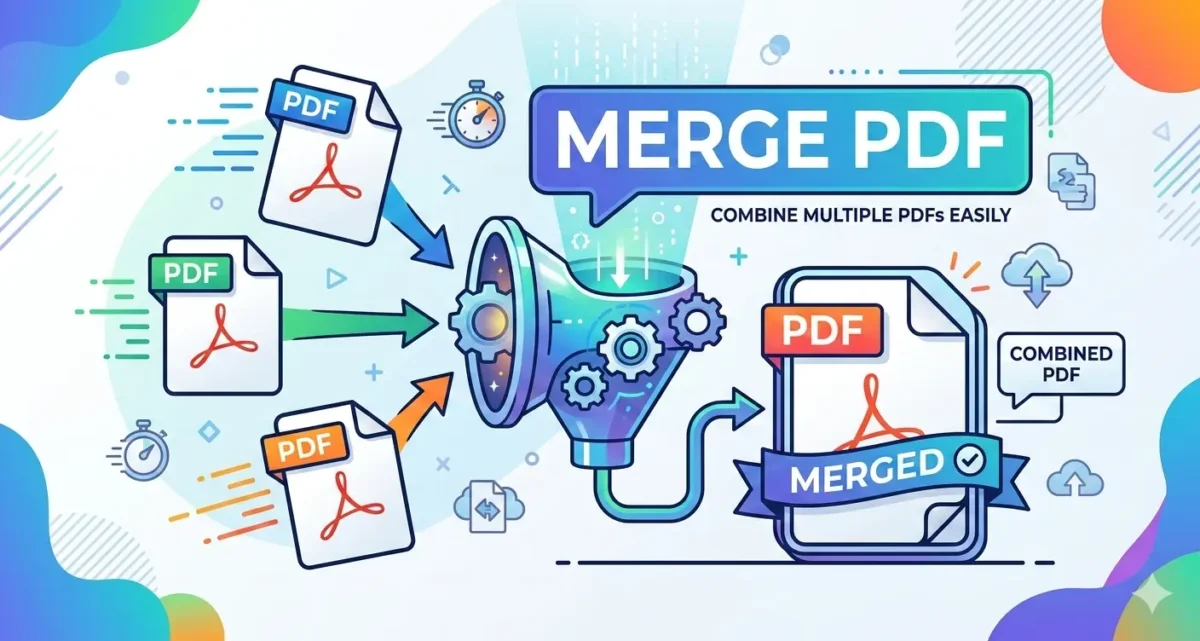

You have three separate PDFs — a cover letter, a resume, and a certificate – and the job portal wants one file. This guide compares the best free PDF merger online options so you can pick the right one. Or you have scanned pages of a contract spread across four files and need to send a single document. You do not want to pay for Adobe Acrobat for something this straightforward.
There are several free tools that can merge PDF online free — but they are not all the same. Some upload your files to a server. Some have daily limits. Some are free only in name. This article compares the four most commonly used options so you can pick the right one for your situation.
When Would You Need to Merge PDFs?
More often than you might expect. Here are the most common situations:
- Job applications: Sending cover letter, resume, and certificates as one file looks more professional and is easier for the recruiter to handle.
- Government and college portals: Many portals accept only one PDF attachment. If your documents are in separate files, you have to combine them before uploading.
- Business reports: Merging sections from different team members into one final document before sending to a client.
- Scanned documents: Physical documents scanned page by page end up as separate files. Merging them creates a single readable document.
- Legal and financial records: Combining invoices, bank statements, or contract pages into one organized file for records or submission.
Which Is the Best Free PDF Merger Online?
| Feature | EzyToolz | ILovePDF | Smallpdf | PDF24 |
| Cost | Free | Free (limited) | Free (2/day) | Free |
| File upload? | ❌ Browser only | ✅ Server | ✅ Server | ✅ Server |
| Privacy | ✅ Files never leave device | Files uploaded | Files uploaded | Files uploaded |
| Daily limit | None | Yes | 2 per day | None |
| Signup needed? | ❌ No | ❌ No (basic) | ❌ No (basic) | ❌ No |
| File reorder | ✅ Yes | ✅ Yes | ✅ Yes | ✅ Yes |
| Works on mobile | ✅ Yes | ✅ Yes | ✅ Yes | ✅ Yes |
| Max file size | No stated limit | Varies by plan | Varies | Varies |
For most users, EzyToolz is the best free PDF merger online because files never leave the browser.
| Privacy matters more than you think ILovePDF, Smallpdf, and PDF24 are legitimate tools — but they all upload your files to their servers for processing. For most documents that is fine. But if you are merging anything sensitive — salary slips, contracts, medical records, legal documents — a browser-based tool like EzyToolz is the safer choice. Your files never leave your device. |
How to Merge PDF Files with EzyToolz — Step by Step
Best for: Anyone with sensitive documents, or anyone who wants no limits and no signup.
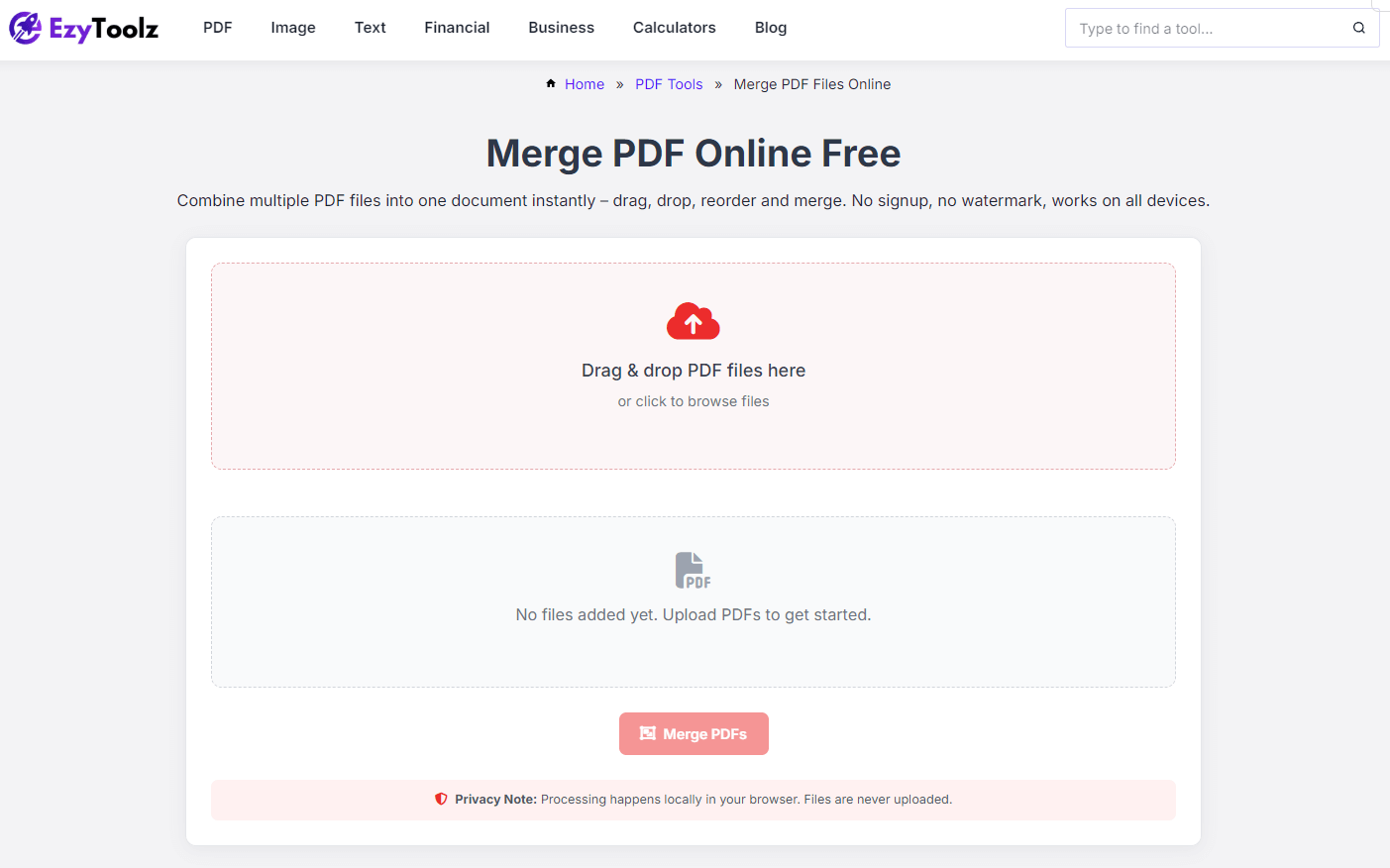
1. Open the EzyToolz Merge PDF Tool
Go to ezytoolz.com/pdf/merge-pdf-files/ in your browser. No account needed. Works on Chrome, Safari, Firefox — desktop or mobile.
2. Add Your PDF Files
Drag and drop your files onto the upload area, or click to browse and select them. You can add multiple files at once.
3. Arrange the Order
Your files appear as a list after uploading. Drag and drop them into the exact sequence you want — cover letter first, then resume, then certificates.
4. Merge and Download
Click ‘Merge PDFs’. The tool combines your files instantly in the browser.
Click Download to save the merged file to your device. Nothing was uploaded. Nothing is stored anywhere.
The Other Options — What to Expect
If you are not dealing with sensitive files and just need a quick merge, these tools also work well. Here is an honest look at each:
ILovePDF
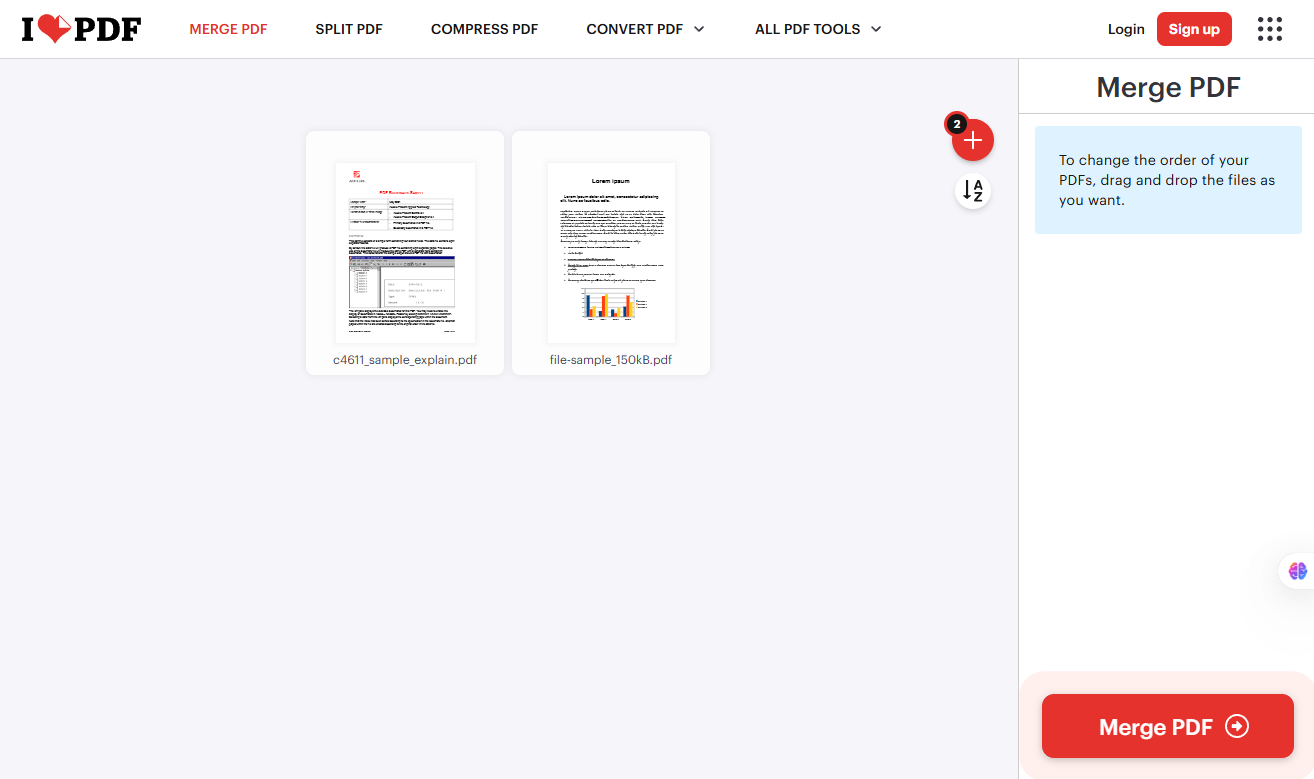
Good for: Casual use, non-sensitive documents, users who also need other PDF tools in one place.
- Upload your files, arrange them, click Merge PDF, download the result.
- Files are uploaded to ILovePDF servers — deleted after a short time.
- Free version has some daily limits. No signup needed for basic use.
Smallpdf
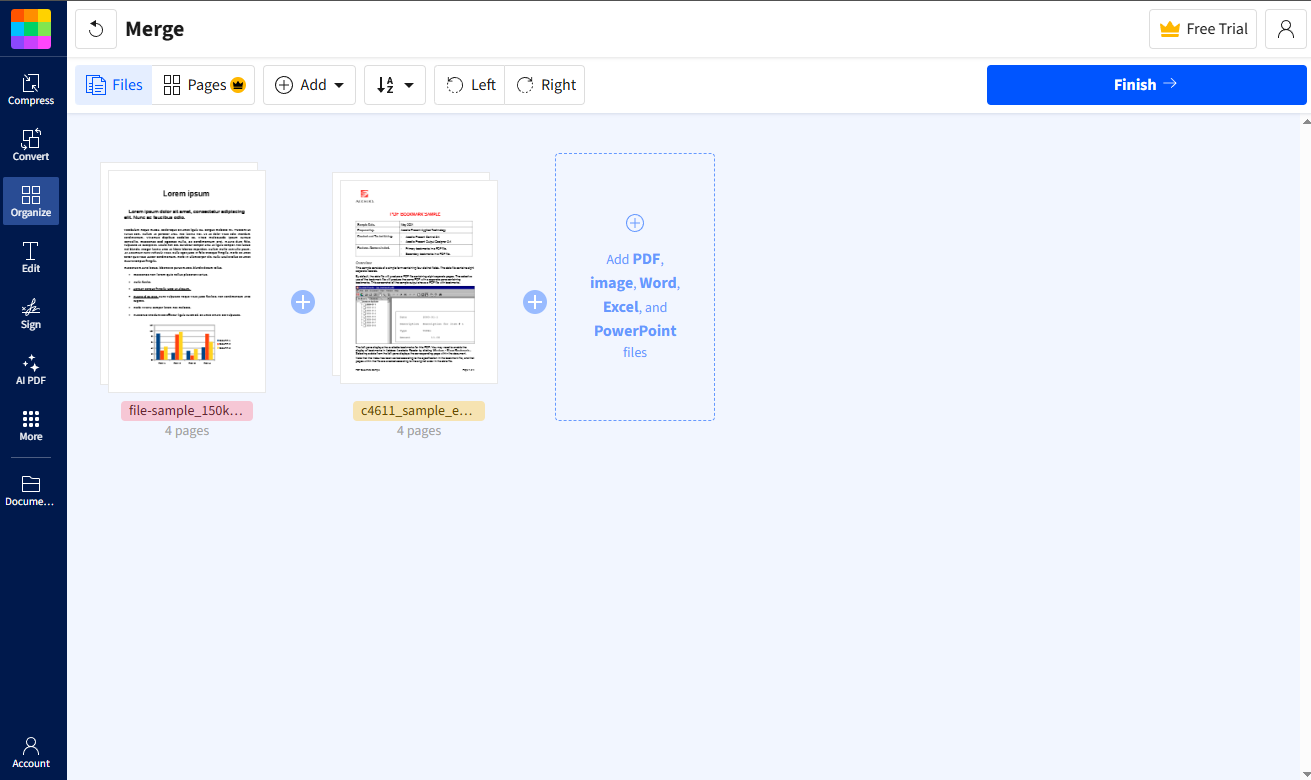
Good for: Users who occasionally need to merge PDFs — up to 2 files per day on the free plan.
- Upload, arrange, click Finish, download.
- Also supports Word, Excel, and image files in the same merge.
- Limit: Free plan allows 2 tasks per day. After that, you need a paid plan.
PDF24

Good for: Users who want a completely free tool without daily limits — and do not mind server-side processing.
- No daily limit on the free plan.
- Files are uploaded to PDF24 servers but deleted automatically after processing.
- Also available as a downloadable offline app if you prefer.
Tips for a Smoother Merge
- Name your files before uploading: Files named ’01-Cover.pdf’, ’02-Resume.pdf’ are easier to arrange in the right order.
- Compress before merging if files are large: If your individual PDFs are already large, merging them will create an even bigger file. Use EzyToolz Compress PDF first to reduce each file, then merge.
- Check the preview before downloading: Most tools show a page count or file list before you click download. Take 5 seconds to confirm the order is correct.
- Mobile users — use browser, not app: All four tools work in a mobile browser. You do not need to download any app.
Frequently Asked Questions
Can I merge PDF files online for free without signing up?
Yes. EzyToolz, ILovePDF (basic), and PDF24 all work without any account or signup. Smallpdf also works without signup for up to 2 tasks per day.
Is it safe to upload my PDF files to merge them online?
For non-sensitive documents, ILovePDF, Smallpdf, and PDF24 are all safe — they use encrypted connections and delete files after processing. For documents with personal or confidential information, use EzyToolz — your files never leave your browser at all.
How many PDF files can I merge at once?
EzyToolz has no stated limit. ILovePDF and PDF24 support multiple files in one merge. Smallpdf’s free plan limits you to 2 tasks per day, but each task can include multiple files.
Will merging PDFs reduce the quality of my documents?
No. Merging PDFs combines pages without re-compressing or altering the content. The text, images, and formatting of each original file remain exactly as they were.
Can I merge PDFs on my phone?
Yes. All four tools mentioned here work in a mobile browser — Chrome or Safari on Android or iPhone. No app download needed.
Can I choose the order of pages in the merged PDF?
Yes. All four tools let you drag and reorder your files before merging. EzyToolz shows the files as a reorderable list after upload.
Which One Should You Use?
If privacy matters — or if you just want something with no limits and no signup — EzyToolz is the straightforward choice. Your files stay on your device, the merge happens in your browser, and the result downloads instantly.
If you are merging non-sensitive documents and also need other PDF tools in one place, ILovePDF or PDF24 are solid options. Smallpdf is fine for occasional use but the 2-task daily limit gets frustrating quickly. Whichever best free PDF merger online you choose, the key difference comes down to privacy.